
Learn From the Experts
Join our live webinars on government accessibility, ADA compliance, and how technology can help your agency serve all citizens. Can't attend live? Watch on-demand recordings anytime.
Upcoming Webinars
AI Captions for Government Meetings: The Setup, the Review, and Your Questions Answered Live
Most government teams already have some form of AI captioning on their meeting streams. The harder part is getting those captions to spell a council member's name correctly, catching errors before a recorded meeting is posted or replayed, and making sure captions appear everywhere the meeting does. That's what this session is about.Join the Tightrope team as we walk through a practical AI captioning setup for public meetings, a review process that works for small teams, and what WCAG 2.1 AA requires for live and recorded video. We'll wrap up with live Q&A. Have a question you'd like answered? Let us know when you register.What You'll LearnWhich versions of your meeting need captions, including live streams, recordings posted afterward, cable replays, and meetings shared on YouTube and FacebookHow to get local names and terms right with custom vocabulary, clear audio, and a few simple habits for speakersWhat a realistic review step looks like for a small team, including how to correct captions before a meeting airs againWhen meeting video also needs audio descriptions, especially for presentations with slides, maps, or other visual informationTools built for government meetings, including a look at MediaScribe Live for captions and translation in the meeting room and on residents' phones, and MediaScribe Narrate for audio descriptions on recorded meetingsWho Should AttendGovernment video teams, city clerks, public information officers, communications staff, accessibility coordinators, IT professionals, and PEG and community media teams who produce or publish public meeting video.
On-Demand Recordings
Social Media Accessibility - Making WCAG Work for Facebook, Instagram, and YouTube
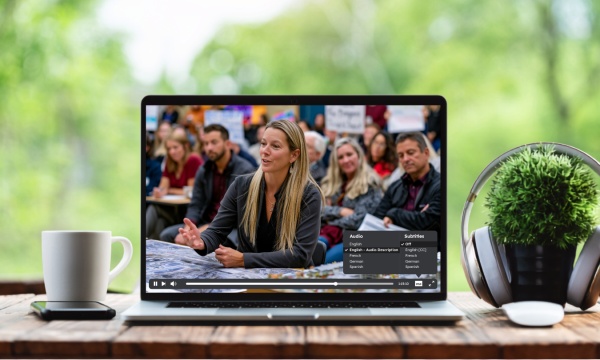
Beyond Captions: Demystifying Audio Descriptions for Government Video Accessibility
Government agencies face ADA Title II web accessibility deadlines under WCAG 2.1 Level AA, and audio descriptions, the piece that comes after captions, are still something almost no agency has put in place.Join the Tightrope team for a practical session covering what audio descriptions actually require: when they're needed and when they're not, how to prioritize the content that matters most, and how to build them into your existing government video workflow in a way your team can sustain over time.What You'll Learn:Which ADA Title II compliance deadline applies to your agency, and what WCAG 2.1 Level AA requires for videoThe role audio descriptions play in meeting WCAG 2.1 Level AA, and how they differ from captionsWhen audio descriptions are required, including how archived meetings, re-uploads, and social content are treated under the ruleHow to prioritize which videos need attention first, without reviewing your entire archive at onceHow MediaScribe Narrate supports WCAG-aligned audio description workflows built specifically for government video, with seamless integration for Cablecast usersDesigned for government video teams and operators, including station managers, multimedia specialists, and AV or production staff, along with public information officers, city clerks, communications managers, IT leads, and anyone responsible for public-facing video content.
NAB 2026 Roundup: Better Accessibility, Stronger Compliance, Smarter Workflows
Catch up on the biggest MediaScribe and Cablecast announcements from NAB 2026 in one on-demand session. This webinar walks through the latest innovations designed to support WCAG 2.1 AA compliance and streamline government video workflows. You'll see how MediaScribe and Cablecast continue to evolve with new accessibility capabilities, cloud-powered workflows, enhanced audience insights, and tools built to simplify content creation, publishing, and playback. What You'll Learn MediaScribe - MediaScribe Live – Real-time captions and translations, plus previews of Speaker ID and Voice Translations - MediaScribe Narrate – AI-powered audio descriptions for on-demand video, including faster review and publishing workflows Cablecast - LiveBridge – Cloud-powered overflow live event workflows - Showcase Events – New ways to promote live events with rewind and instant VOD - Audio Sidecar Files – Multiple audio tracks for descriptions and translations - CG Captioning – Caption support for video bulletins - Audience Measurement – Session-based analytics to better understand viewer engagement
From Rule to Reality: Executing ADA Title II for Digital and Video Accessibility
Turning ADA Title II requirements into an actionable plan can feel overwhelming. In this on-demand webinar, the Tightrope team is joined by Marie Cohan, Texas Statewide Digital Accessibility Officer, to explore how agencies can move from compliance planning to real-world execution. Drawing from Texas' statewide approach, this session provides a practical roadmap for building sustainable accessibility workflows, prioritizing high-risk content like public meeting video, and creating a strategy that supports long-term compliance. What You'll Learn - What ADA Title II requires for web and video content in practice - How to approach accessibility through alignment, inventory, execution, and sustainability - Strategies for prioritizing high-risk content, including public meeting video - Common implementation challenges and how to avoid them - How to build accessibility into everyday workflows instead of retrofitting later
Turn Risk Into Action: Compliance Steps for Today, Tomorrow, and Your Ongoing Journey
Accessibility compliance isn't just about understanding the requirements—it's about knowing how to build a plan that reduces risk and stands up over time. In this on-demand webinar, the Tightrope team is joined by David Bateman, Accessibility Compliance Advisor, who brings more than 25 years of experience helping school districts and public institutions navigate accessibility complaints, investigations, and legal action. Drawing from real-world cases, David shares practical guidance on where organizations should focus their efforts, what regulators pay attention to, and how to build a sustainable compliance strategy. What You'll Learn - How to prioritize accessibility efforts and reduce compliance risk - What effective accessibility planning looks like before issues arise - What complaint response and remediation look like in practice - How to build a long-term roadmap for accessibility compliance
You Asked, We Answered: Your Top Audio Description Questions, Explained
Audio descriptions remain one of the most misunderstood parts of WCAG 2.1 Level AA compliance for government video. Questions about archived meetings, social media, re-uploaded content, and platform limitations can make it difficult to know what actually applies. In this on-demand webinar, the Tightrope team answers the most common questions agencies have about audio descriptions, clarifying what's required under ADA Title II, where requirements are often misunderstood, and how to implement audio descriptions without disrupting existing workflows. What You'll Learn - What content is in scope under ADA Title II, including new, updated, archived, and social media video - When audio descriptions are required—and when they aren't - How audio descriptions work across platforms like Granicus, YouTube, Cablecast, and other video hosting environments - A practical approach to auditing content and implementing audio descriptions
Beyond Captions: The Importance of Audio Descriptions for Government Video Accessibility
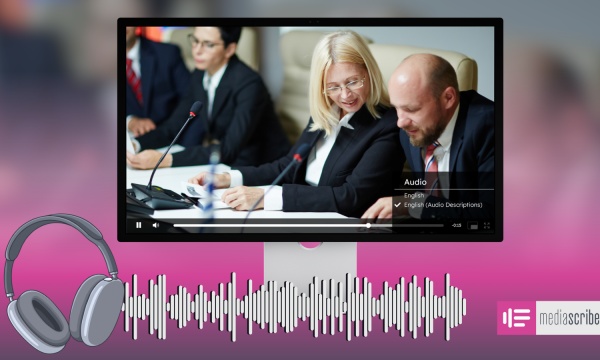
Captions are only part of the accessibility story. For many government teams, audio descriptions are the next step toward creating video that meets WCAG 2.1 Level AA requirements, yet they remain one of the least understood aspects of video accessibility. In this on-demand webinar, the Tightrope team explains when audio descriptions are required, how to determine which content needs them, and practical ways to integrate them into existing government video workflows. You'll also see how MediaScribe simplifies the process, making audio descriptions more manageable to review, publish, and maintain over time. What You'll Learn - The role audio descriptions play in WCAG 2.1 Level AA compliance - When audio descriptions are required—and when they aren't - Best practices for creating effective audio descriptions for government video - How MediaScribe supports audio descriptions within existing Cablecast workflows
Making Accessibility Manageable: Small Habits That Fit Into Everyday Workflows
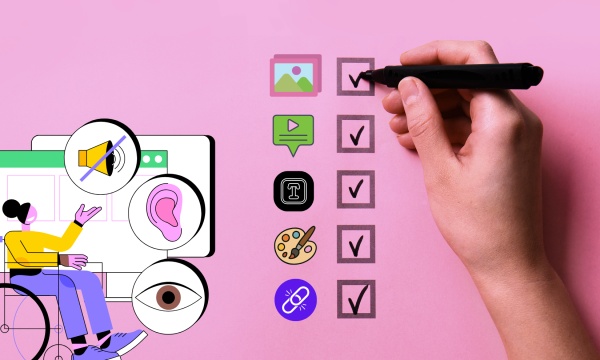
Accessibility can feel overwhelming, but meaningful progress doesn't happen all at once. It happens through small, intentional actions that become part of everyday work. In this on-demand session, we explore a practical, people-first approach to accessibility, using real stories and relatable examples to show how small shifts in mindset, language, and daily habits can create more inclusive digital experiences and stronger accessibility practices across your organization. What You'll Learn - Practical ways to incorporate accessibility into your everyday workflow - Strategies for talking about accessibility in a positive, approachable way - How to build a culture where accessibility becomes a shared responsibility - Simple habits that lead to more inclusive digital spaces over time

5 Considerations Before Streaming Your Government Meetings - w_ Alpha
In a recent webinar led by Pete Tufigno, experts from Alpha discussed essential considerations for streaming government meetings. They emphasized the importance of defining streaming goals and identifying the target audience to enhance communication and reach. Automation was highlighted as a way to improve efficiency, particularly through tools like Cablecast, which also addresses security concerns when collaborating with IT teams. The session underscored the need for early IT involvement to ensure smooth deployment and minimize resistance. Participants were encouraged to seek assistance for their streaming needs.
Unlocking Accessibility - Lessons Learned from Tightrope's WCAG & VPAT Journey
What does it actually take to build a WCAG-compliant video platform? In this on-demand webinar, the Tightrope team shares the lessons learned while making Cablecast Internet Channels WCAG compliant and developing a Voluntary Product Accessibility Template (VPAT). From planning and implementation to testing and refinement, you'll gain practical insights into the accessibility decisions, challenges, and best practices that shaped the process. Whether you're just beginning your accessibility journey or looking to strengthen an existing strategy, this session offers real-world guidance you can apply to your own organization. What You'll Learn - Key WCAG principles for public, education, and government media - Lessons learned from building a WCAG-compliant video platform - Best practices for captions, color contrast, keyboard navigation, and screen reader accessibility - The role of a VPAT and what goes into creating one - Practical ways to improve the accessibility of your digital content
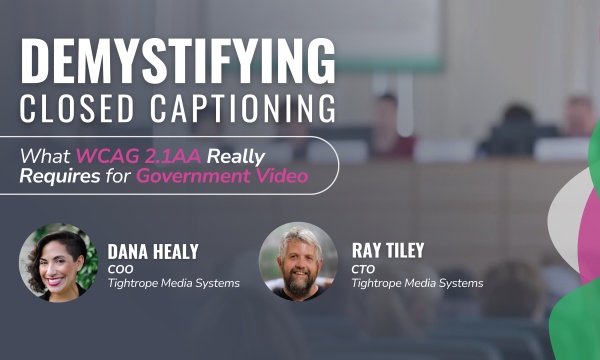
Demystifying Closed Captioning: What WCAG 2.1AA Really Requires for Government Video
Closed captioning is a foundational part of accessible government communication, but understanding the technical requirements and compliance expectations can be challenging. In this on-demand webinar, Ray Tiley, CTO of Tightrope Media Systems, and Dana Healy, COO of Tightrope Media Systems, break down what WCAG 2.1 AA requires for government video and the practical steps agencies can take to implement captioning effectively across live and on-demand content. What You'll Learn - WCAG 2.1 AA captioning requirements for government video - Best practices for captioning live streams and video on demand - Which captioning tools are essential—and which are optional - Considerations for audio descriptions, real-time translation, and AI-generated captions - How to navigate third-party content and accessibility responsibilities across platforms
What Government Staff Need To Know About Audio Descriptions
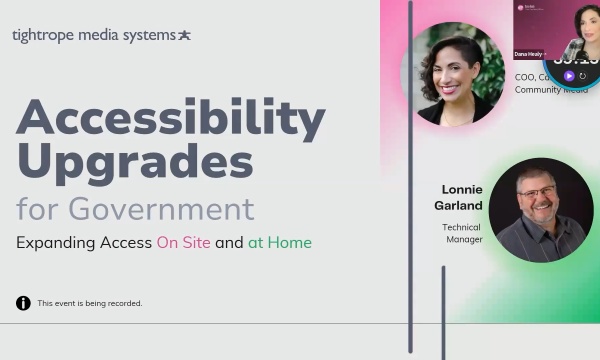
Accessibility Upgrades for Government - Expanding Access On Site and At Home
Push Button Production: Power Your Cablecast Workflow with Stream Deck
Take your Cablecast live productions to the next level by integrating Stream Deck, Bitfocus Companion, Control Rooms, and Macros into a streamlined production workflow. In this on-demand webinar, the Tightrope team demonstrates how to build custom Stream Deck controls, automate repetitive production tasks, and create efficient workflows that simplify live broadcasts. Whether you're producing council meetings, community events, or other live programming, you'll learn practical ways to give your team more control with fewer button presses. What You'll Learn - How Stream Deck integrates with Cablecast Control Rooms using Bitfocus Companion - The basics of setup, configuration, and building custom Stream Deck buttons - How pre-built buttons can simplify everyday production tasks - Advanced Macro workflows that automate complex live production processes
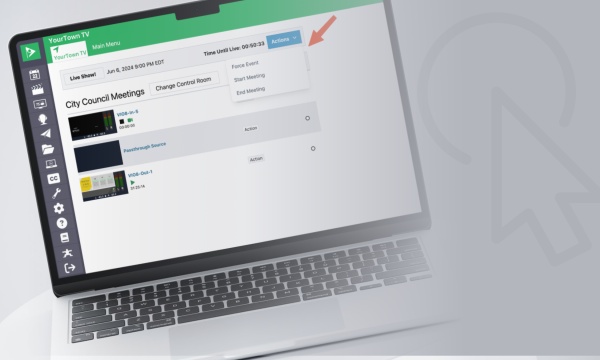
One-Click Live Production - Control Rooms & Macros in Cablecast
Learn how Cablecast automation tools can simplify live production and help your team manage broadcasts more efficiently. In this on-demand webinar, you'll see how Control Rooms and Macros work together to streamline live event workflows, reduce repetitive tasks, and make complex productions easier for operators of any experience level. Through real-world examples, we'll demonstrate practical ways to automate common production tasks and build custom interfaces that simplify day-to-day operations. What You'll Learn - How Control Rooms simplify live production workflows with custom interfaces - How Macros automate repetitive and complex production tasks - Practical examples of automation for common live broadcast scenarios - Tips for improving efficiency and reducing operator workload