
Making Accessibility Manageable: Small Habits That Fit Into Everyday Workflows
About This Webinar
Accessibility can feel overwhelming, but meaningful progress doesn't happen all at once. It happens through small, intentional actions that become part of everyday work.
In this on-demand session, we explore a practical, people-first approach to accessibility, using real stories and relatable examples to show how small shifts in mindset, language, and daily habits can create more inclusive digital experiences and stronger accessibility practices across your organization.
What You'll Learn - Practical ways to incorporate accessibility into your everyday workflow - Strategies for talking about accessibility in a positive, approachable way - How to build a culture where accessibility becomes a shared responsibility - Simple habits that lead to more inclusive digital spaces over time
More Webinars
The Essential Audio Description Guide: Most Asked Questions and a Live Walkthrough
Audio description can feel like one more requirement on an already full plate. The rules seem unclear, the answers you find don’t always agree, and most teams don’t have the time or staff to figure it out alone.This session is designed to take the guesswork out of audio description by answering the questions agencies ask most, ahead of the ADA Title II deadline on April 26, 2027. We’ll answer them in plain language, then walk through the workflow live so you can see how manageable it really is. Whether you’re just getting started or already deep in the details, you’ll leave knowing what applies to you and exactly how to get it done.We'll cover:What audio description is and what’s required under ADA Title II and WCAG 2.1 AAHow the requirements apply to live, on-demand, archived, and re-posted video, plus common misconceptionsA live walkthrough of MediaScribe Narrate’s audio description workflow for government video, including seamless Cablecast integrationA realistic, manageable plan to be ready by the deadlineWho Should AttendGovernment video teams, city clerks, public information officers, communications staff, accessibility coordinators, IT professionals, and PEG and community media teams who produce or publish public meeting video.
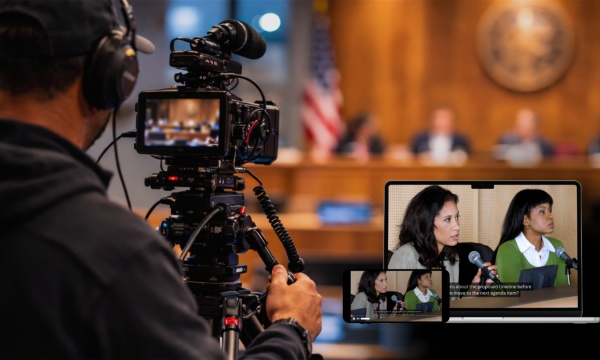
AI Captions for Government Meetings: The Setup, the Review, and Your Questions Answered Live
Most government teams already have some form of AI captioning on their meeting streams. The harder part is getting those captions to spell a council member's name correctly, catching errors before a recorded meeting is posted or replayed, and making sure captions appear everywhere the meeting does. That's what this session is about.Join the Tightrope team as we walk through a practical AI captioning setup for public meetings, a review process that works for small teams, and what WCAG 2.1 AA requires for live and recorded video. We'll wrap up with live Q&A. Have a question you'd like answered? Let us know when you register.What You'll LearnWhich versions of your meeting need captions, including live streams, recordings posted afterward, cable replays, and meetings shared on YouTube and FacebookHow to get local names and terms right with custom vocabulary, clear audio, and a few simple habits for speakersWhat a realistic review step looks like for a small team, including how to correct captions before a meeting airs againWhen meeting video also needs audio descriptions, especially for presentations with slides, maps, or other visual informationTools built for government meetings, including a look at MediaScribe Live for captions and translation in the meeting room and on residents' phones, and MediaScribe Narrate for audio descriptions on recorded meetings
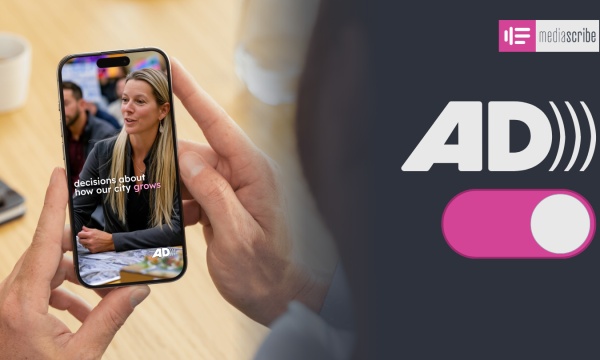
Social Media Accessibility - Making WCAG Work for Facebook, Instagram, and YouTube
Government social media teams are publishing video across Facebook, Instagram, and YouTube, but each platform gives them different tools for accessibility. Meeting WCAG 2.1 AA means understanding what each platform supports, where the gaps are, and what to do when the platform itself doesn’t provide the tools you need.This session breaks down what audio description actually requires, how it applies to government social media video, and the misconceptions that can make compliance seem more complicated than it is.What You’ll Learn• What audio description requires under WCAG 2.1 AA and how compliance deadlines apply to social media video• Where Facebook, Instagram, and YouTube stand today and what that means for your options• Common misconceptions that can make agencies think they’re further behind than they are• How to create and publish described versions without doubling your workload• How MediaScribe Narrate supports audio description exports for social platforms