


In Room Captioning
Make your government meetings more accessible to residents with real-time text transcriptions and translations for mobile and in-room displays.
Upgrade In-Room Accessibility
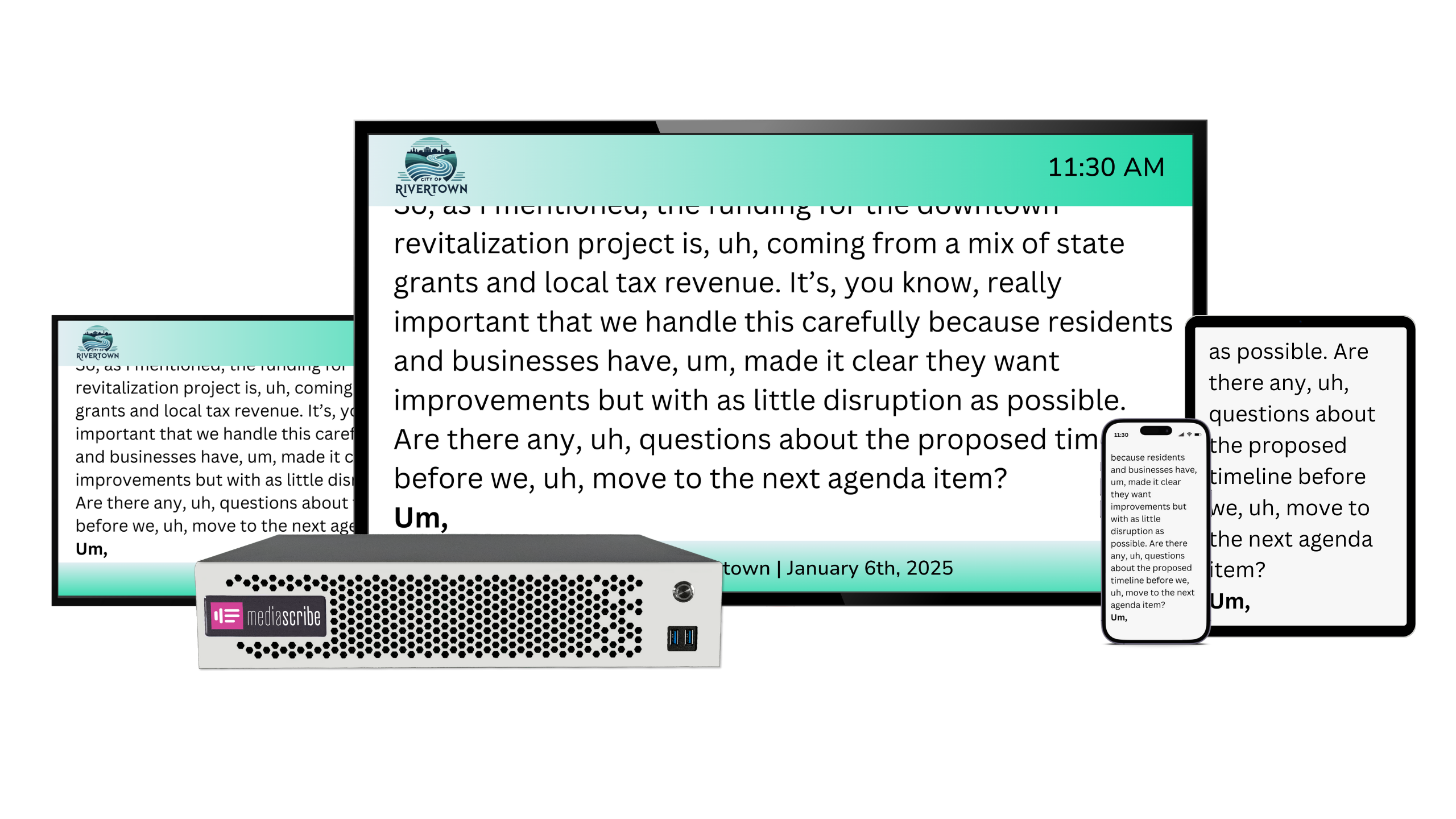
Display live English or multilingual captions on dedicated chamber screens to create a more accessible meeting room environment. Tailor the display with your city’s logo, colors, and branding.
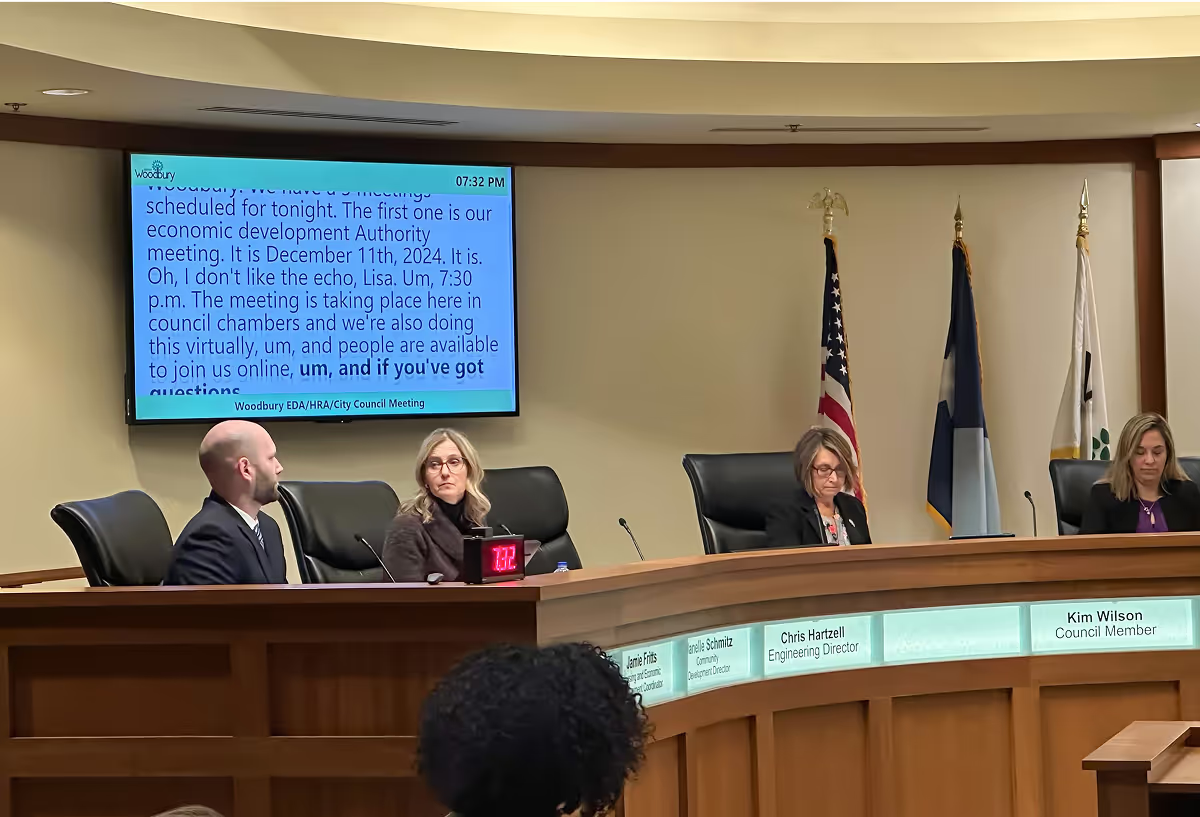
Live ASR Caption Feed
MediaScribe delivers clear, accurate real-time captions from your audio feed and updates them instantly on your in-room display.
Multilingual Caption Output
Select from English and commonly requested translations, all generated in parallel for consistent timing and readability.
Dedicated Display Rendering
Display captions on dedicated chamber screens, ensuring they never cover meeting visuals and remain easy to read for everyone in the room.
Branded Layout Controls
Keep your city’s branding consistent by adjusting fonts, colors, and logo placement directly in MediaScribe.
Everything You Need for Accessible Meetings in One Place
Centralized accessibility tools that replace fragmented processes, making it easier to manage captions and translations across all your meeting formats.
Purpose-Built for Government Meetings
Everything you need, nothing you don’t
MediaScribe’s practical, streamlined interface is designed for the way government teams work, making it easy to launch and manage accessible meeting workflows without unnecessary steps or complexity.
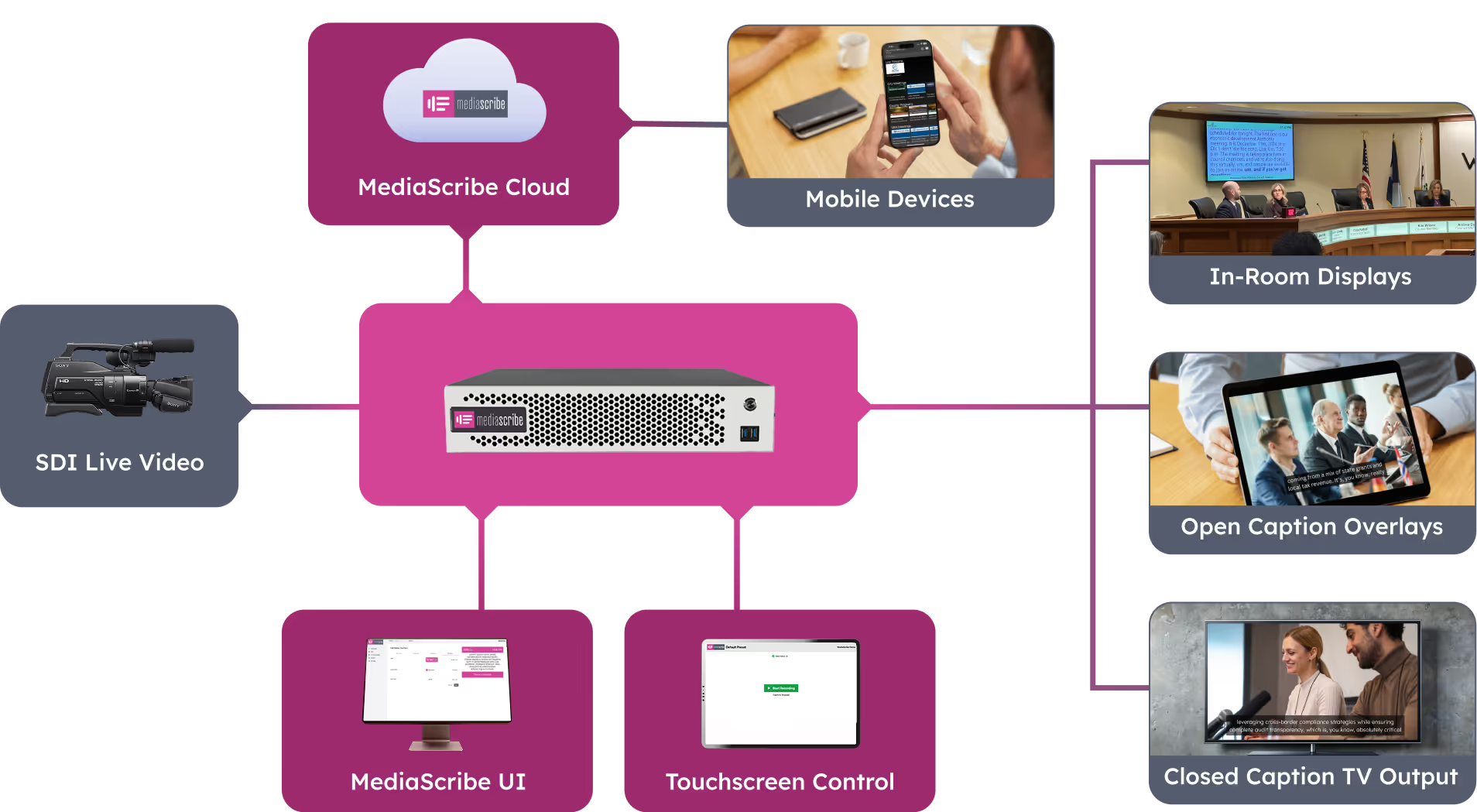

Open Captions & Overlays
Always-Visible Captions for Any Content
Add captions directly onto your video or graphics when you need a built-in, always-visible caption layer.
Text Translations
Provide Written Translations for All Audiences
Generate translated text versions of your meeting audio to support multilingual communication and accessibility.

Voice Translations
Provide Spoken Translations for Every Audience
Create spoken translations from your meeting audio so multilingual audiences can listen in their preferred language.
Speaker Identification
Identify Who’s Speaking in Real Time
Automatically detect and label each speaker so captions and transcripts clearly show who is talking throughout the meeting.
Custom Vocabularies
Recognize Local Names and Places
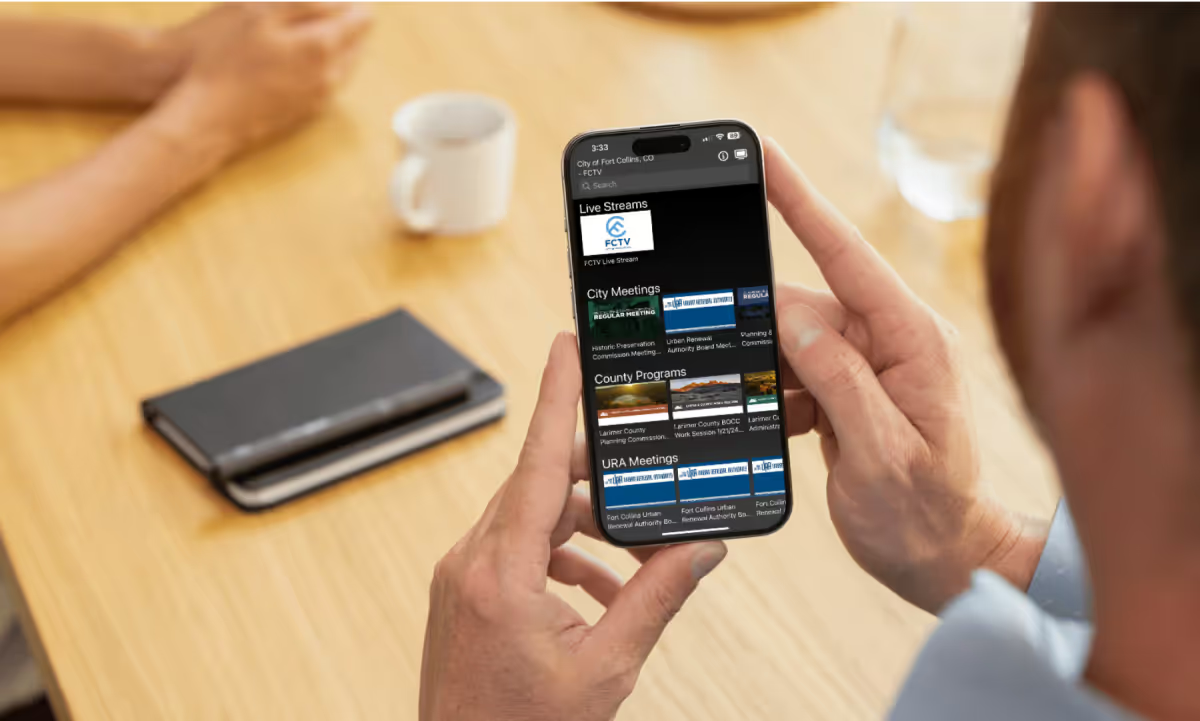
Improve transcription accuracy by adding local names, terminology, and acronyms directly into MediaScribe’s speech model.
Language Detection
Identifies Spoken Languages Automatically in Meetings
MediaScribe automatically identifies the spoken language in your meeting audio and generates captions in that same language, switching seamlessly when a different language is detected.
.avif)
Transcription Editor
Deliver Clean, Shareable Transcripts
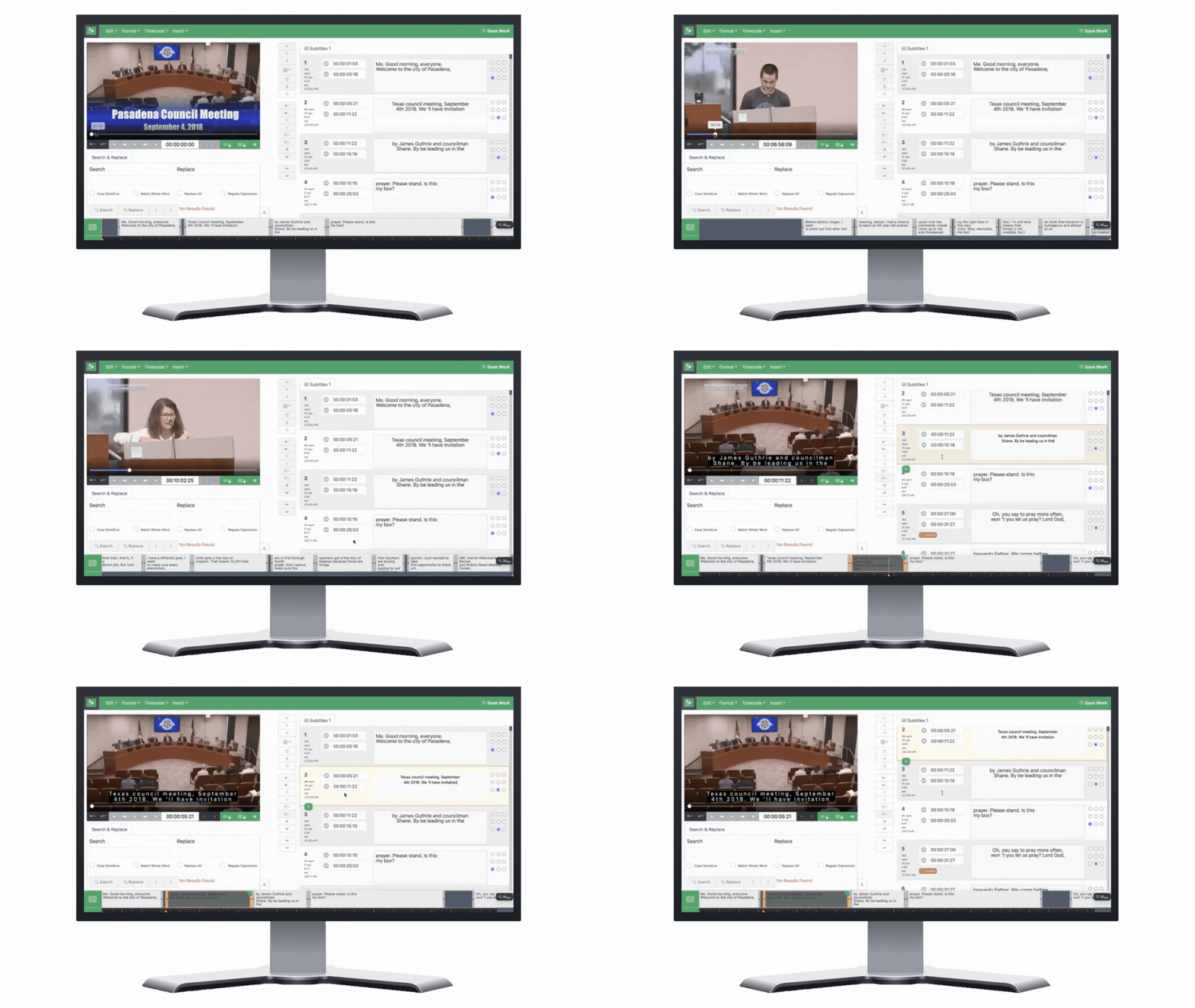
You can correct spelling, timing, and adjust the positioning of closed captions directly within the MediaScribe User Interface. Use the find and replace function to correct repeated errors.
Easy AV Connection
Works With Your Equipment
Integrate with SDI or IP-based audio and video sources, giving your team flexibility to connect MediaScribe to your meeting room systems.

Media Recording
Capture video, audio, and text
MediaScribe records your meeting’s video, audio, transcripts, and translations as either a primary or backup source and makes each file available for download in multiple formats for easy use across platforms.
Configuration Presets
Save settings for different meeting types
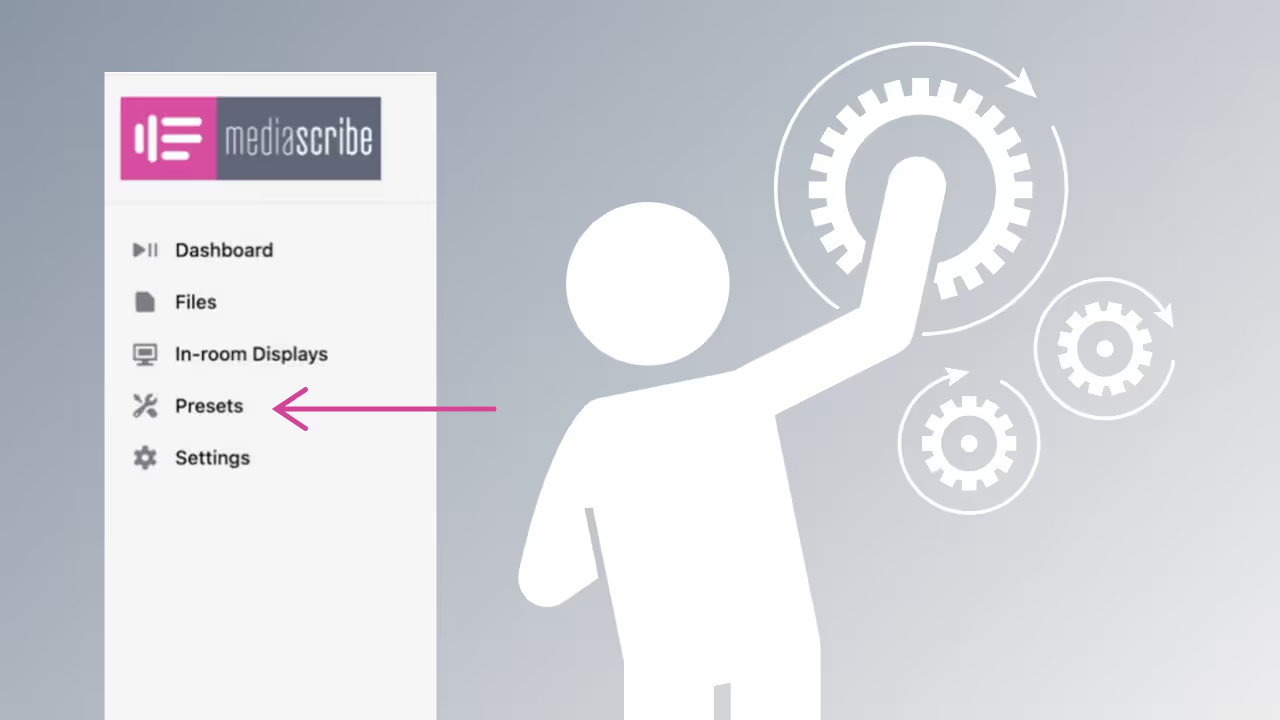
Store preset combinations of inputs, outputs, and languages so operators can switch between meeting types quickly without needing to adjust technical settings each time.
Smart Blend of Hardware and Cloud
A secure, fast hybrid workflow for meetings
MediaScribe combines a secure hardware interface with fast cloud processing to deliver captions and translations without requiring complex network configuration.
Ready to Modernize Your Meeting Accessibility?
Get answers, guidance, and a personalized demonstration.

.png)